Common Lisp: install SBCL on Windows
Tags: #commonlisp #sbcl #windows
SBCL is one of the most respected Common Lisp implementations. Here’s how to install it on Windows and add its executable to the Path variable.
Let’s go to https://www.sbcl.org/platform-table.html and click on the cell at the intersection of the Windows row and the x86-64 column (assuming our Windows version is 64-bit).
At the time of writing, the latest available version is 2.5.6.
The file sbcl-2.5.6-x86-64-windows-binary.msi is downloaded. Let’s launch it and install SBCL at the default location — we’ll move it immediately after.
Let’s move it to the desired directory, for example c:/programs2/sbcl-2.5.6.
The executable is then located at:
c:/programs2/sbcl-2.5.6/sbcl.exe
Double-clicking on c:/programs2/sbcl-2.5.6/sbcl.exe launches SBCL:
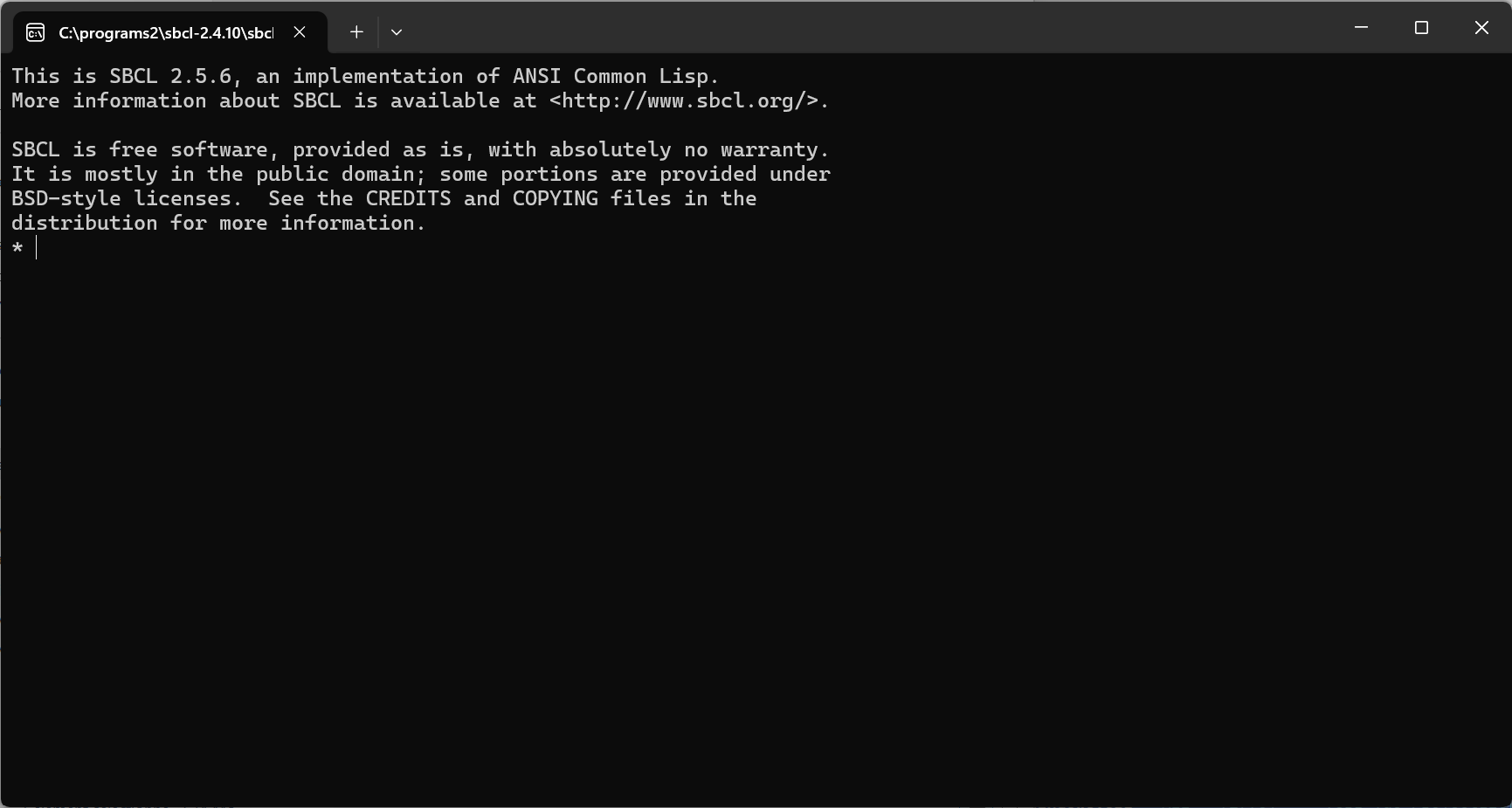
The * greeting us is SBCL’s (minimalist) command prompt.
Let’s try a simple operation like (+ 2 2), which will return 4.
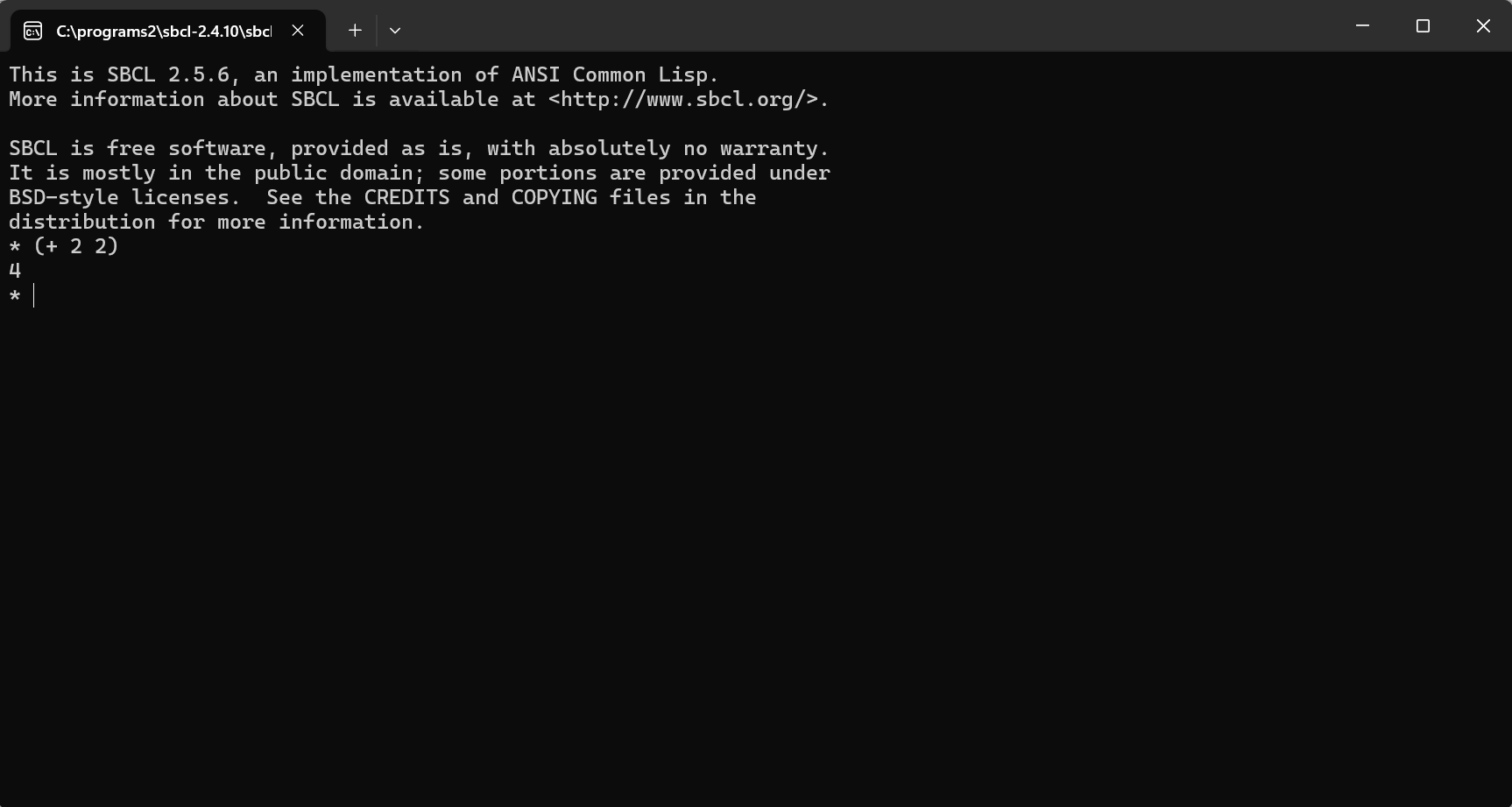
To quit SBCL, two equivalent instructions: (quit) or (exit).
It’s recommended to add the directory containing the executable, namely C:\programs2\sbcl-2.5.6, to the Windows (user) Path environment variable. We’ll then be able to launch SBCL from any directory.